Welcome to the definitive IPTV Free Trial Guide Australia. Learn how to claim a risk-free 24-hour test account, benchmark channel zapping speeds on your home broadband, evaluate 4K sports feeds, and test device compatibility with zero payment.

With dozens of online streaming services making bold claims about reliability, testing a platform on your personal home network before committing your hard-earned money is essential. A live trial allows you to verify video quality during peak evening sports windows.
Our complimentary test pass gives you complete freedom to inspect stream stability. Evaluate your connection latency using Speedtest by Ookla and review official fiber throughput standards via NBN Co.
AusLiveTV provides unrestricted access to our complete lineup of local Australian free-to-air channels, live AFL and NRL telecasts, overseas news, and 4K cinema feeds during your trial window.
Follow this straightforward guide to get your test streams running smoothly in under three minutes.
Navigate to our free trial registration page. Enter your name and email address with zero payment details required.
Our automated provisioning servers dispatch your unique M3U Plus URL and Xtream Codes API credentials in under two minutes.
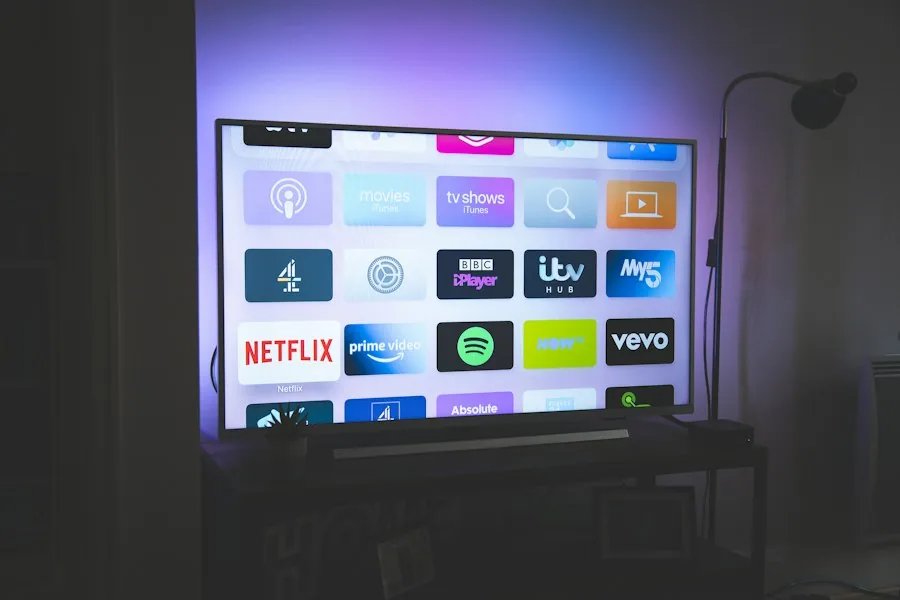
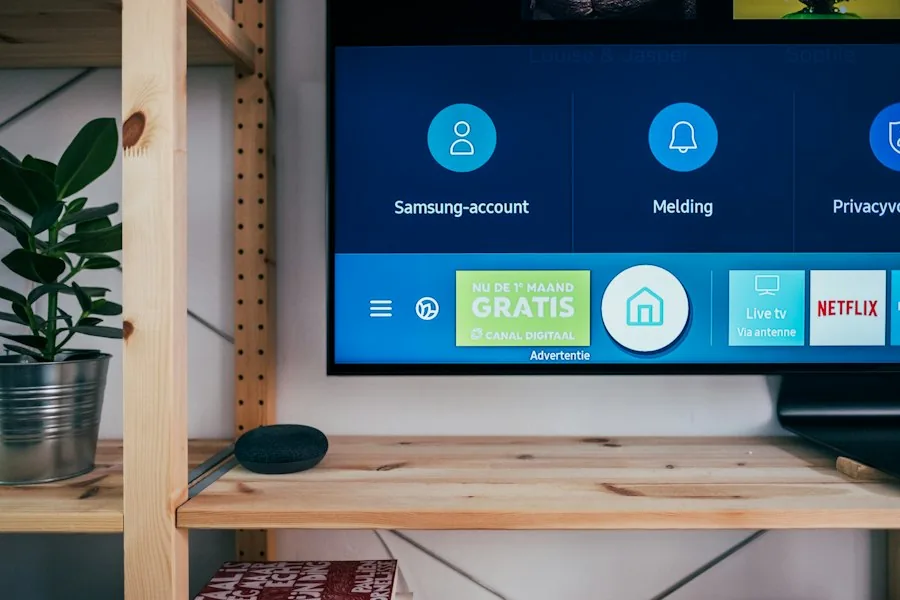
Install TiviMate, IPTV Smarters Pro, or GSE Smart IPTV on your Smart TV, Amazon Firestick, Apple TV, or mobile device.
Enter your Server URL, Username, and Password. Allow the application to populate categories and seven-day TV schedules.
Test high-bitrate live sports channels between 7:00 PM and 10:00 PM to verify that your streams remain completely buffer-free.
Use this technical checklist to make sure the provider meets your household entertainment standards.
Channels should load in under one second when switching between feeds with zero audio desynchronization.
Fast-moving sports action on AFL, NRL, and Premier League must maintain native 50fps and 60fps frame rates.
Program guides must align precisely with Australian Eastern (AEST) or Western (AWST) local times.
Video on demand movies should load instantaneously with multiple subtitle tracks and surround sound audio.
During your 24-hour test period, we recommend testing playback across different household displays including your main living room Smart TV, an Android TV box or Firestick, and a mobile phone or tablet.
This multi-device test ensures your home Wi-Fi and router handle concurrent streams without bandwidth bottlenecks. If you notice buffering in distant bedrooms, connecting via 5GHz Wi-Fi or powerline adapters resolves packet loss immediately.
AusLiveTV maintains high-capacity Australian server clusters in Sydney, Melbourne, and Brisbane, guaranteeing uninterrupted 4K streaming performance for every trial user.
Get answers to common queries regarding trial provisioning, expiration, and upgrading.
Your test account simply deactivates automatically. There are no surprise charges or cancellation steps. If you enjoyed the service, you can purchase an annual or monthly plan to reactivate the same profile instantly.
Yes. If you transition to a paid subscription using the same email address, your custom favorites, category sorting, and EPG settings remain intact inside your media player.
Our technical customer support team is available around the clock via live WhatsApp chat to assist with app configuration, playlist troubleshooting, and device optimization.
Experience 10,000+ live HD channels, full Australian sports coverage, and 4K cinema completely risk-free for 24 hours.