Live Sports All Channels Setup Guides Pricing & Plans Is IPTV Legal? Start Free Trial →
Home Networking Analysis

IPTV Ethernet vs WiFi Australia: 5 Best Streaming Fixes

Evaluate IPTV Ethernet vs WiFi Australia to permanently eradicate stream buffering and frame dropping. Discover how packet jitter, local radio interference, and physical cabling impact your live sports and 4K entertainment experience.

Connection Stability

IPTV Ethernet vs WiFi Australia – Stability vs Convenience

When video stuttering interrupts a crucial AFL final or Premier League penalty, viewers frequently blame their provider. In reality, over 80% of live broadcast buffering stems from local Wi-Fi packet drops between home routers and television streaming sticks.

Analyzing real-world performance reveals that while Wi-Fi offers convenient wireless placement, Ethernet delivers unwavering consistency. Test your internal network packet loss using Speedtest by Ookla and review local NBN fiber guidelines via NBN Co.

Understanding the technical differences between these connection methods helps you unlock the full 60fps potential of AusLiveTV high-speed Australian streaming infrastructure.

Start Free 24hr Trial
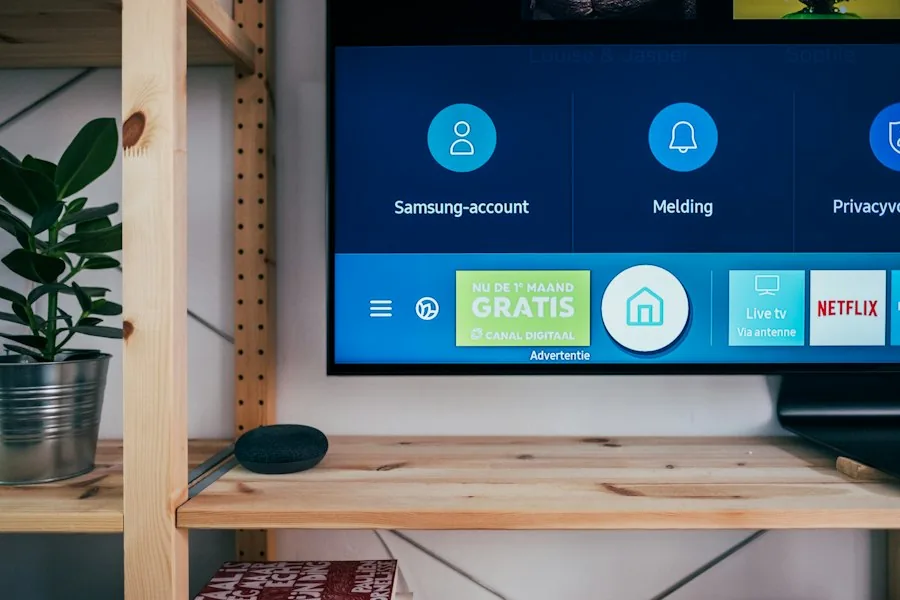
IPTV Ethernet vs WiFi Australia network connection test on 4K TV
Actionable Solutions

Five Best Network Fixes for Flawless Streaming

Implement these proven networking optimizations to stabilize your high-definition video feeds.

01

Connect Cat6 Ethernet

Run a Cat6 copper cable directly from your NBN modem router to your Smart TV or Android box to eliminate wireless drops completely.

02

Separate Wi-Fi Bands

Disable band-steering in your router settings. Connect your media player exclusively to the dedicated 5GHz channel.

03

Use Powerline Adapters

If direct cabling across rooms is impractical, install AV2000 Gigabit powerline units to route data over wall power outlets.

04

Add USB Ethernet Dongle

Attach an inexpensive micro-USB or USB-C Gigabit Ethernet adapter to Amazon Firestick and Chromecast devices for wired LAN speed.

05

Prioritize QoS Traffic

Configure Quality of Service rules in your home router to prioritize video streaming packets over background PC file downloads.

Empirical Comparison

Head-to-Head Performance Metric Benchmarks

Review standard transmission metrics recorded across typical Australian suburban household layouts.

Packet Latency

Cat6 Ethernet delivers sub-1ms local router ping times, while Wi-Fi fluctuates between 8ms and 65ms depending on room walls.

Packet Loss Ratio

Ethernet maintains 0.00% packet loss, whereas wireless links suffer 1% to 4% drops during household peak usage.

Peak Jitter Variation

Ethernet jitter stays virtually flat under 0.2ms, preventing the micro-freezes that cause live commentary desynchronization.

Throughput Headroom

Wired 1,000 Mbps links never throttle, whereas 2.4GHz wireless drops below 15 Mbps through brick walls or double plaster.

Connecting Ethernet adapter to streaming hardware in Australian living room
Hardware Setup

Best Setup for 4K Ultra HD Sports

Modern 4K sports telecasts demand consistent bitrates between 25 Mbps and 40 Mbps. While high-end Wi-Fi 6 routers can deliver adequate peak speed, transient interference from cordless appliances or concrete flooring causes temporary drops below this critical threshold.

When choosing between streaming setups in Australia, prioritizing a hardwired connection ensures consistent delivery of AusLiveTV high-speed video feeds. Every AFL sprint, NRL tackle, and Formula 1 pit stop renders in native 60fps clarity.

For apartments where physical cable runs are difficult, pairing an external 5GHz mesh node situated next to your television unit with a short patch lead delivers near-Ethernet reliability.

Browse All Setup Guides
Frequently Asked Questions

Ethernet and Wi-Fi Streaming Questions

Expert answers to common home networking and television configuration questions.

Can an older 100 Mbps TV Ethernet port handle 4K IPTV?

Yes. Even uncompressed 4K streams require only 25 to 40 Mbps, meaning a standard 100 Mbps television Ethernet port provides more than double the necessary headroom for butter-smooth playback.

Does mesh Wi-Fi resolve IPTV buffering across multi-story houses?

Tri-band mesh systems with dedicated wireless backhaul significantly improve signal strength, but wiring the backhaul nodes together via Ethernet remains the ultimate gold standard.

How can I test stream quality on my current connection?

Claim our free 24-hour test pass. Test channel zapping on both Wi-Fi and Ethernet in your home to experience the performance difference firsthand.

Say Goodbye to Streaming Buffering Forever

Pair your optimized home network with AusLiveTV for ultra-fast, stutter-free 4K television.

Start Free 24-Hour Trial View Pricing Plans
NEVER MISS A MATCH OR NEW RELEASE

Get Free Trial Access & Match Schedules

Be first to hear about new plan discounts, live match schedules, and free 24hr trial access.

AusLiveTV rated Excellent on Trustpilot
Safe & Secure Checkout - SSL Encrypted Payment