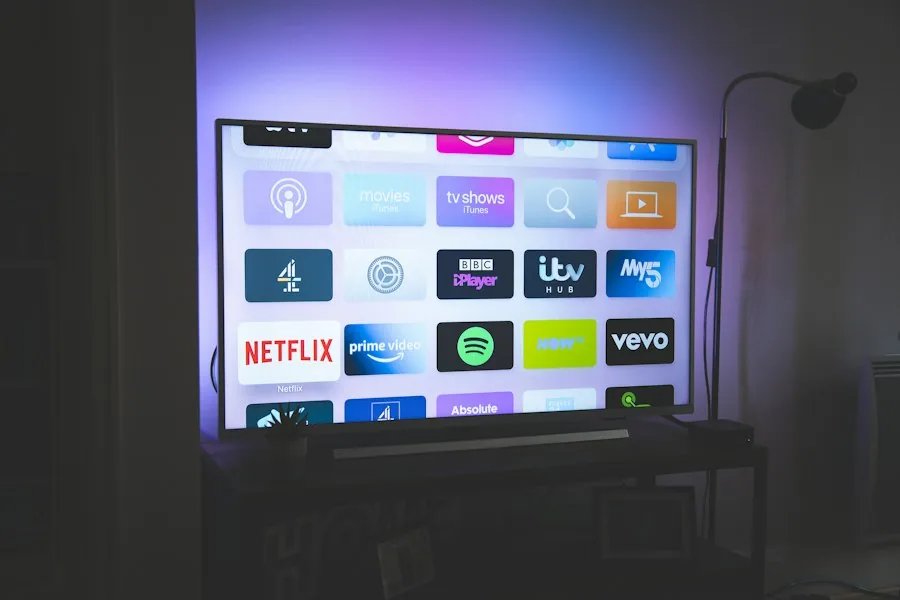
Configuring a complete IPTV EPG Guide Australia feed transforms your smart TV into a traditional set-top box with a full 7-day program grid. Built on open standards like the XMLTV Project format, an accurate EPG ensures you never miss live AFL kickoff times, NRL derbies, or nightly state news broadcasts.

Without an electronic program guide, scrolling through thousands of live channels feels like navigating in the dark. An optimized XMLTV program schedule delivers complete channel metadata, showing currently airing shows, upcoming sports matches, and detailed synopsis info right on your screen.
AusLiveTV automatically synchronizes electronic schedules across all Australian Free-to-Air networks, dedicated sports channels, and international feeds, updating listings every four hours via high-speed Australian CDN nodes.
Follow our 5-minute guide to link your XMLTV program schedule on TiviMate, Smarters, or Smart TV apps.
Launch your preferred streaming app (TiviMate, IPTV Smarters Pro, or IBO Player) and navigate to the Settings menu.
Choose "EPG Sources" or "TV Guide". If you logged in using Xtream Codes API, the EPG URL is often populated automatically.
For standalone M3U configurations, paste your dedicated XMLTV URL provided in your AusLiveTV subscription welcome email.
Enable "Update on app start" and set the background refresh interval to 4 or 8 hours to ensure guide listings stay continuously accurate.
If your TV clock does not match UTC, apply a manual time shift (+10h for Sydney/Melbourne, +8h for Perth) so program bars align with reality.
Configure your player time shift according to your home state.
Standard Time: UTC +10:00
Daylight Saving (AEDT): UTC +11:00
Standard Time: UTC +09:30
Daylight Saving (ACDT): UTC +10:30
Standard Time: UTC +08:00
No Daylight Saving Observed
Common questions about XMLTV feeds and electronic program schedules.
An EPG (Electronic Program Guide) is an automated XML metadata feed that populates your media player with 7-day TV schedules, program descriptions, episode titles, and channel logos based on Australian time zones.
Inside your player (such as TiviMate or Smarters), navigate to EPG Settings and adjust the 'Time Shift' setting to match your Australian time zone (+10 for AEST Sydney/Melbourne/Brisbane or +8 for AWST Perth).
Yes, our server updates the XMLTV electronic program guide every 4 hours automatically, ensuring you always have up-to-date schedules for live sports, news, and primetime television.
Stream over 20,000 live channels with full 7-day electronic program guide integration. Instant automated activation.