Master your home streaming setup with GSE Smart IPTV Australia. As one of the most flexible and proven IPTV players across Apple iOS, tvOS, and Android platforms, GSE delivers total control over playlists, electronic program schedules, and video rendering engines.
For Australian households with mixed device ecosystems (such as iPhones in pockets and Android TVs in living rooms), finding a single consistent streaming application is essential. GSE Smart IPTV bridges that gap with cross-platform stability.
It natively handles dynamic live streams, catch-up broadcasts, and on-demand film libraries. You can review the app details on the official Apple App Store portal and verify your home connection stability using Speedtest by Ookla.
Paired with AusLiveTV high-speed Australian content servers, viewers enjoy rock-solid AFL footy, NRL rugby, Formula 1, and international news without stutters or audio sync drift.
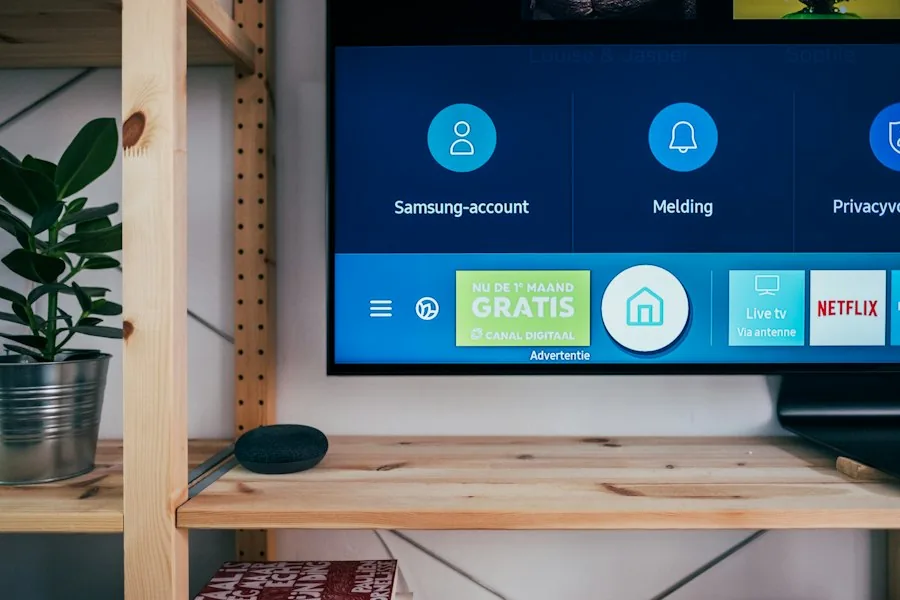
Set up your channels in minutes using either Xtream Codes credentials or direct M3U playlist URLs.
Search for GSE Smart IPTV on the Apple App Store (iOS and tvOS) or Google Play Store and install the software.
Launch the app and tap the hamburger menu icon in the upper left corner to access the primary configuration options.
Choose Xtream Codes API from the menu. Tap the plus (+) icon to create a new live streaming connection profile.
Enter a profile name (e.g., AusLiveTV), then enter your Server URL, Username, and Password. Tap Add to authenticate.
Under Application Settings, ensure the hardware-accelerated internal media player is selected for seamless 50fps and 60fps playback.
Explore the technical strengths that make GSE a staple choice for serious sports enthusiasts.
Supports HLS, RTMP, RTSP, and TS stream protocols with built-in dynamic bitrate adjustment algorithms.
Automated electronic program schedule updates with time-shift offsets for all Australian Eastern and Western time zones.
Secure individual categories and specific channel groups with a 4-digit PIN code for family peace of mind.
Record live television broadcasts directly to device local storage or networked hard drives for delayed viewing.
To prevent frame skipping during intense sports matches, open GSE Settings and set Buffer Size to High or Maximum. This provides a 5 to 10 second safety cushion that absorbs momentary home Wi-Fi interference.
When watching on an Apple TV 4K or high-end Android television box, activate Hardware Acceleration in the video decoder tab. This offloads video rendering from the CPU to dedicated graphics silicon, lowering heat and preventing micro-stuttering.
AusLiveTV servers operate dedicated high-capacity edge nodes in Sydney, Melbourne, and Perth, guaranteeing minimal ping times and rapid channel switching under half a second.
Common questions answered about configuring and optimizing GSE Smart IPTV in Australia.
Yes. GSE offers a native tvOS application on the Apple TV App Store that runs completely standalone without requiring AirPlay or phone screen mirroring.
We recommend selecting HLS (.m3u8) for adaptive bitrate stability, or MPEG-TS (.ts) for instantaneous channel zapping on high-speed NBN 50 or NBN 100 connections.
Visit our free trial page and submit your details. Our automated provisioning system emails your complete Xtream Codes credentials within minutes.
Experience seamless channel switching, crystal-clear 4K sports, and complete Australian TV coverage with AusLiveTV.